How to withdraw
Withdrawing on Mamba takes three steps, all on the same screen. See how to request a withdrawal, what it costs and how to track it.
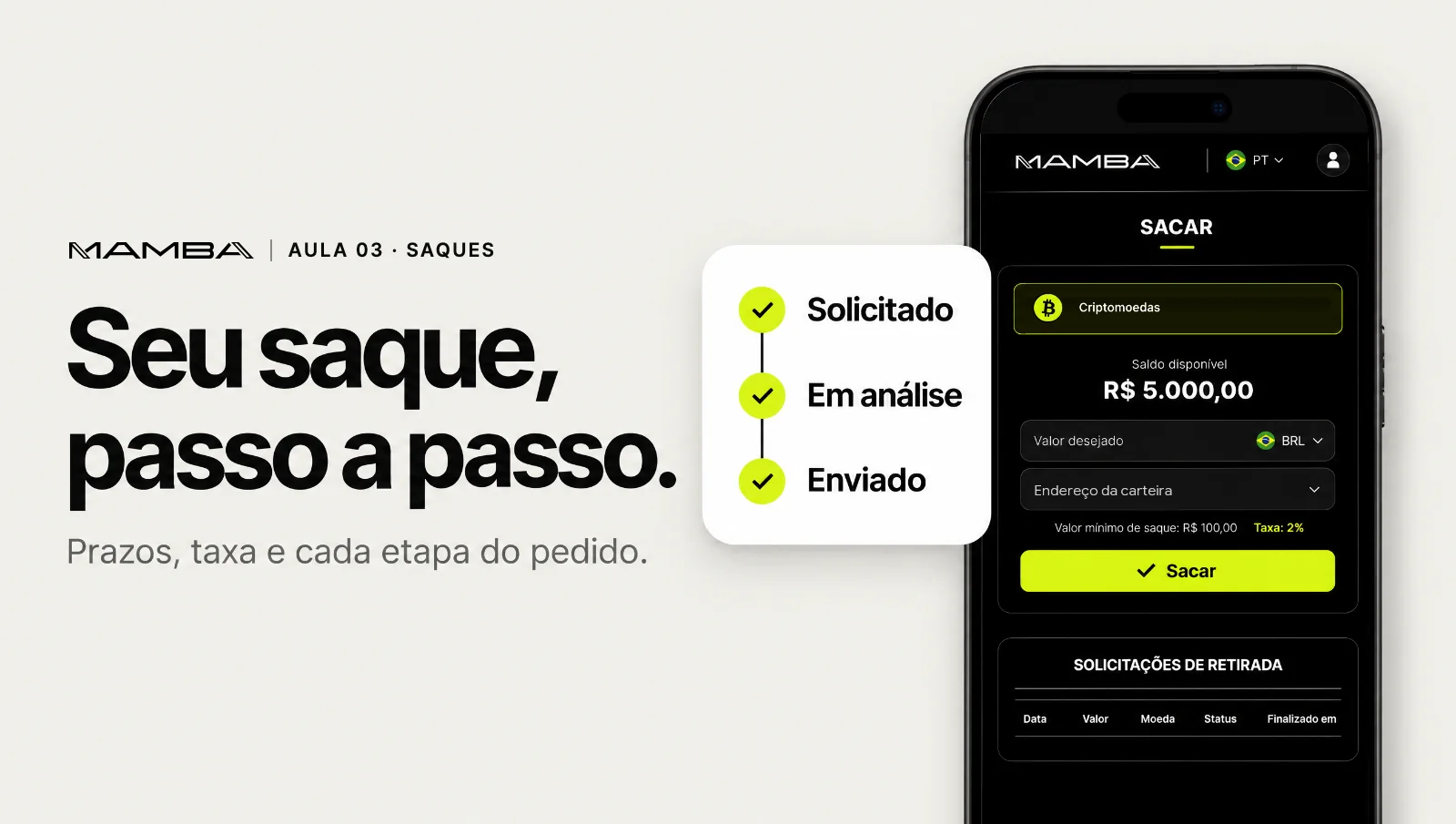
- Open the Withdraw screen
- 1. How you want to receive
- 2. How much you want to withdraw
- 3. Where to send it
- Track your request
- For a faster withdrawal
Open the Withdraw screen
Tap More (Mais) in the bottom bar, then Withdraw (Sacar). Your available balance (Saldo disponível) shows at the top.
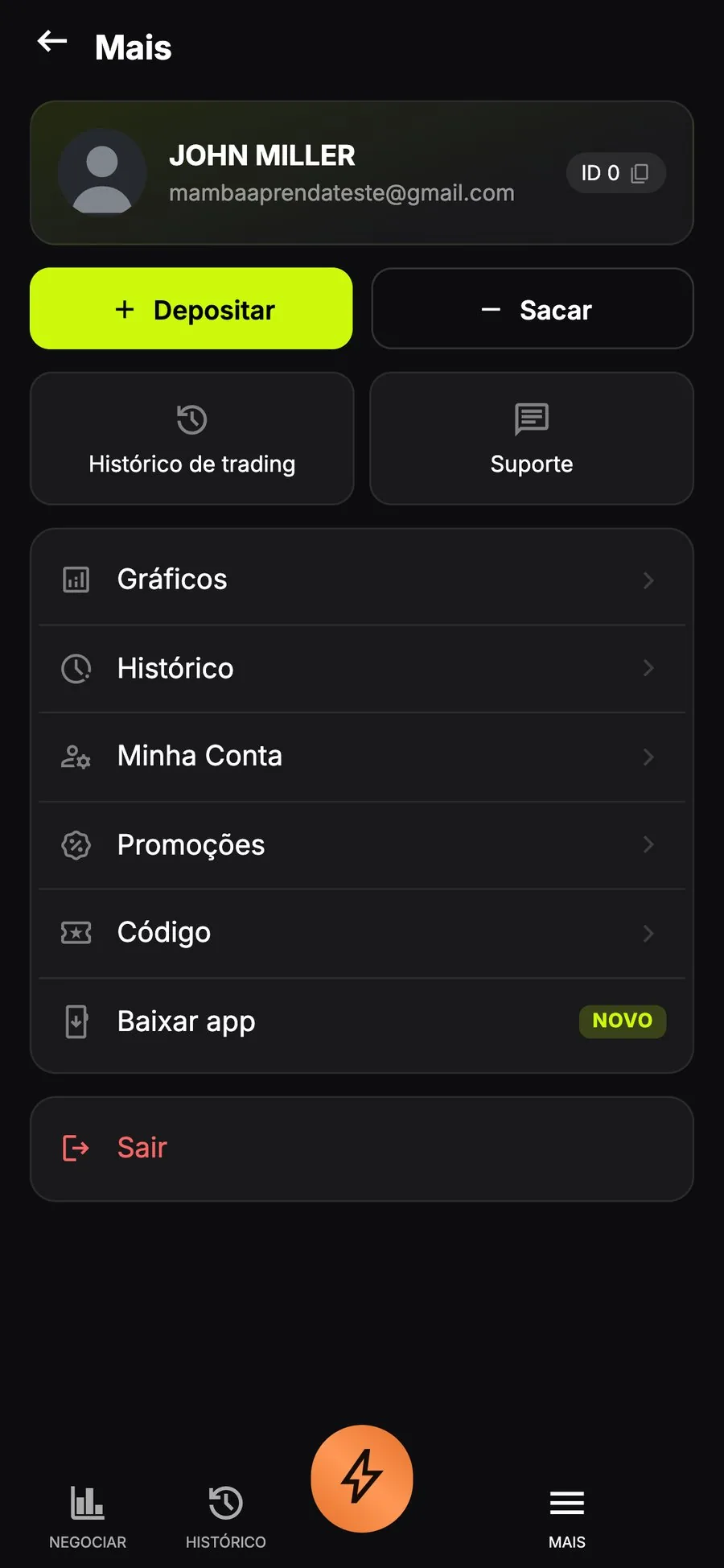
The Withdraw button is in the More menu.
1. How you want to receive
Withdrawals are paid by PIX. It comes already selected.
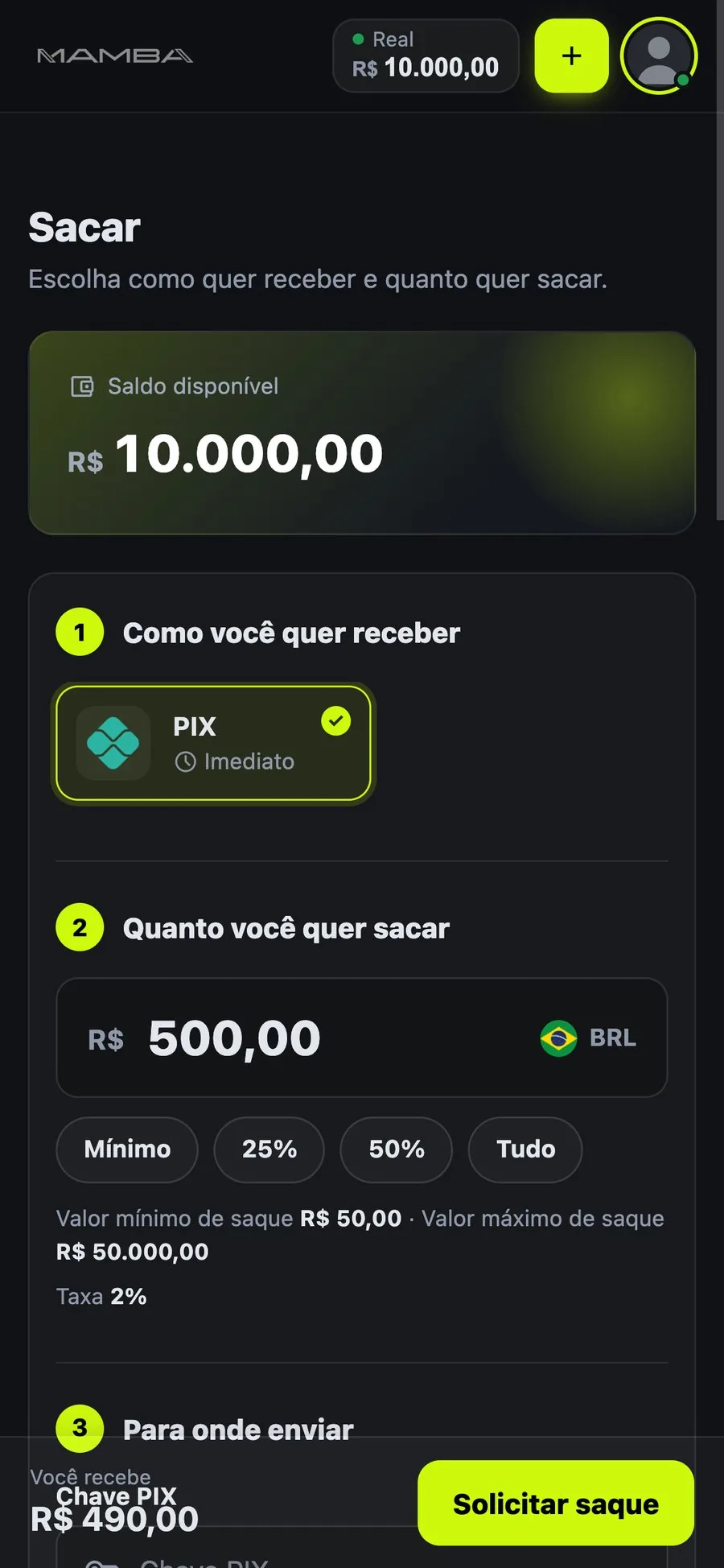
In step 1, PIX comes already selected.
2. How much you want to withdraw
Type the amount or use the shortcuts Minimum, 25%, 50% and All (Mínimo, 25%, 50%, Tudo).
- Minimum withdrawal
- R$ 50
- Maximum withdrawal
- R$ 50,000
- Withdrawal fee
- 2%
At the bottom of the screen, You receive (Você recebe) shows the amount that will reach your account, after the fee. On a R$ 500 withdrawal, for example, you receive R$ 490.
Withdrawal amount, shortcuts, limits and fee.
3. Where to send it
Enter your PIX key (Chave PIX). The destination account must be in your name. Check everything and tap Request withdrawal (Solicitar saque).
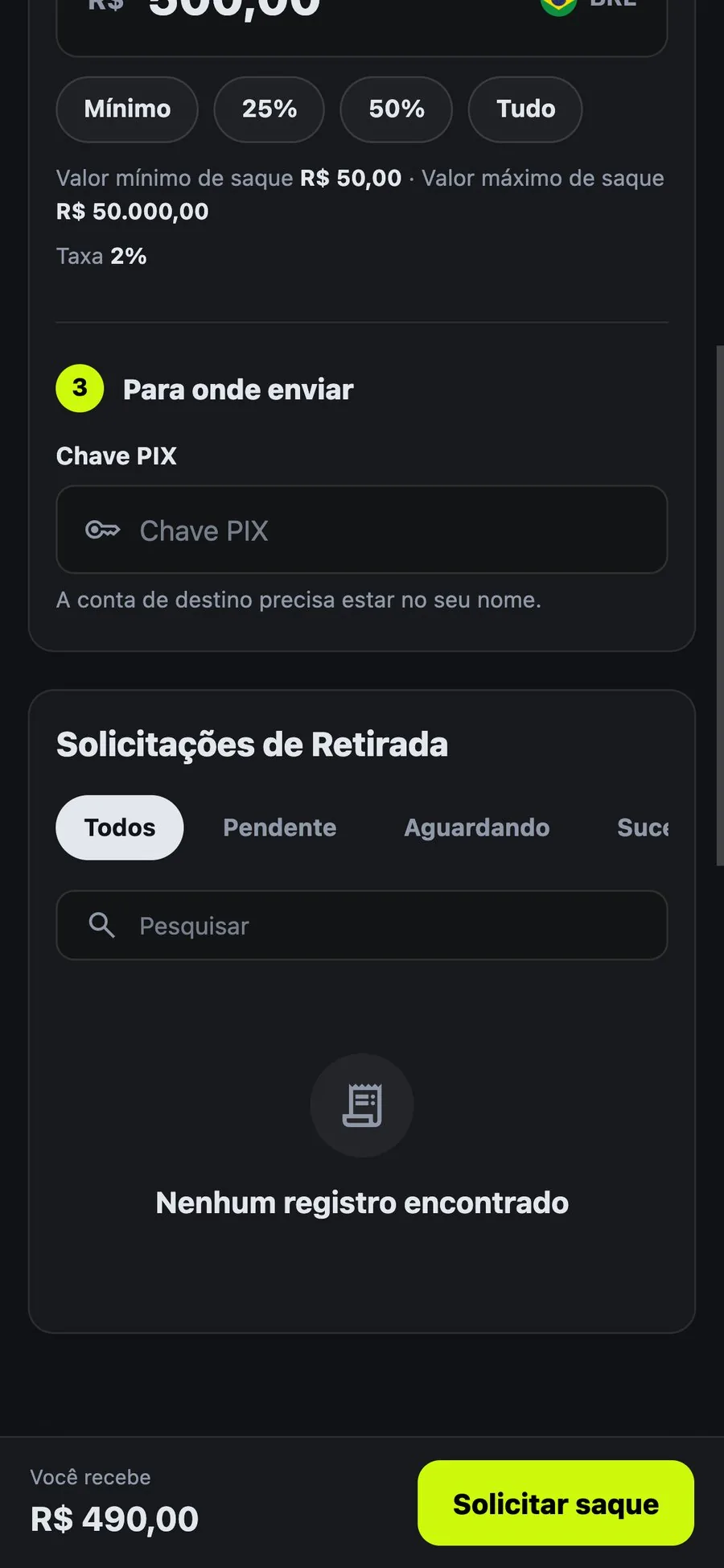
Enter your PIX key and tap Request withdrawal.
Track your request
On the same screen, just below, the Withdrawal requests list (Solicitações de Retirada) shows each request. Use the tabs to filter:
- Pending and Waiting (Pendente, Aguardando): the request is still being processed.
- Success (Sucesso): the amount was sent to your PIX key.
- Cancelled (Cancelado): the request was cancelled.
Your requests show under Withdrawal requests.
For a faster withdrawal
- Use a PIX key in your name, under the same CPF as your Mamba account.
- Don't cancel and request again. Repeating the request several times can send the next ones to manual review.
- Check your details. A wrong key or an amount below the minimum sends the request back.
If a withdrawal takes too long, tap More, then Support.