How to deposit
Depositing on Mamba takes two steps. See where the button is, how to choose the amount, where to use the bonus coupon and what to check before you pay.
- Tap Deposit
- Step 1: choose PIX
- Step 2: set the amount
- First deposit bonus
- Pay from an account in your name
- Deposit not showing?
Tap Deposit
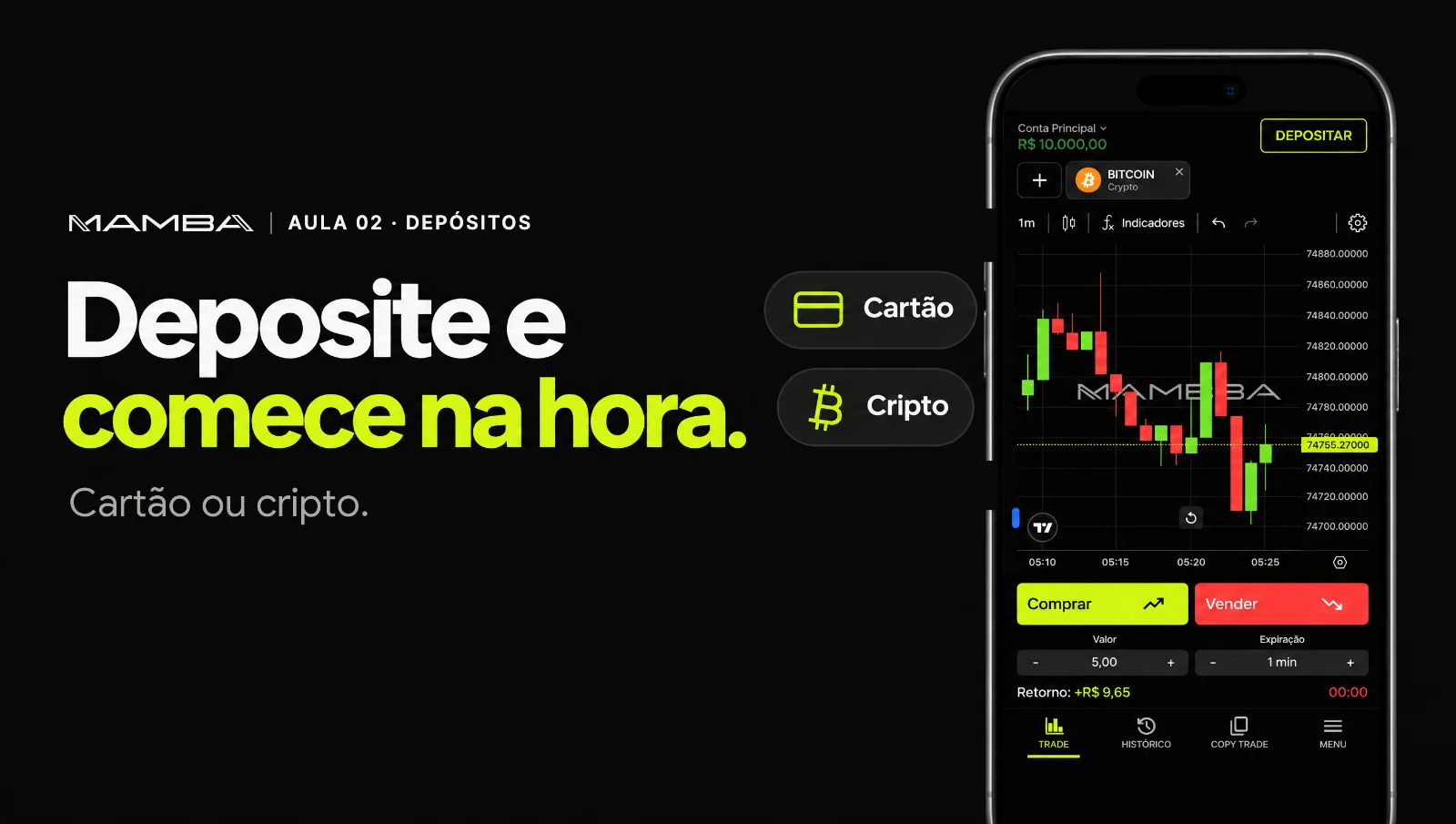
The Deposit button (Depositar) sits at the top of the screen, next to your balance. It's also in the More menu (Mais).

The Deposit button is at the top, next to your balance.
Step 1: choose PIX
On the Deposit screen, tap PIX, Brazil's instant payment system. PIX deposits are instant (Imediato): once you pay, the amount shows in your balance.

In step 1, tap PIX.
Step 2: set the amount
Type the deposit amount (Valor do depósito) or tap one of the shortcuts, from R$ 50 to R$ 15,000. The minimum deposit is R$ 50.

Type the amount or use the shortcuts.
First deposit bonus
Tap I have a bonus coupon (Tenho um cupom de bônus), type MAMBA100 and tap Validate (Validar). The coupon only applies to your first deposit. Then tap Deposit and pay the PIX.
Type the coupon, tap Validate, then Deposit.
The bonus and any profit made with it can only be withdrawn after you reach the required trading volume.
Pay from an account in your name
The PIX must come from a bank account in the same name and CPF as your Mamba account. Payments made by someone else are not accepted.
Deposit not showing?
Tap More, then Support, with your PIX receipt at hand.